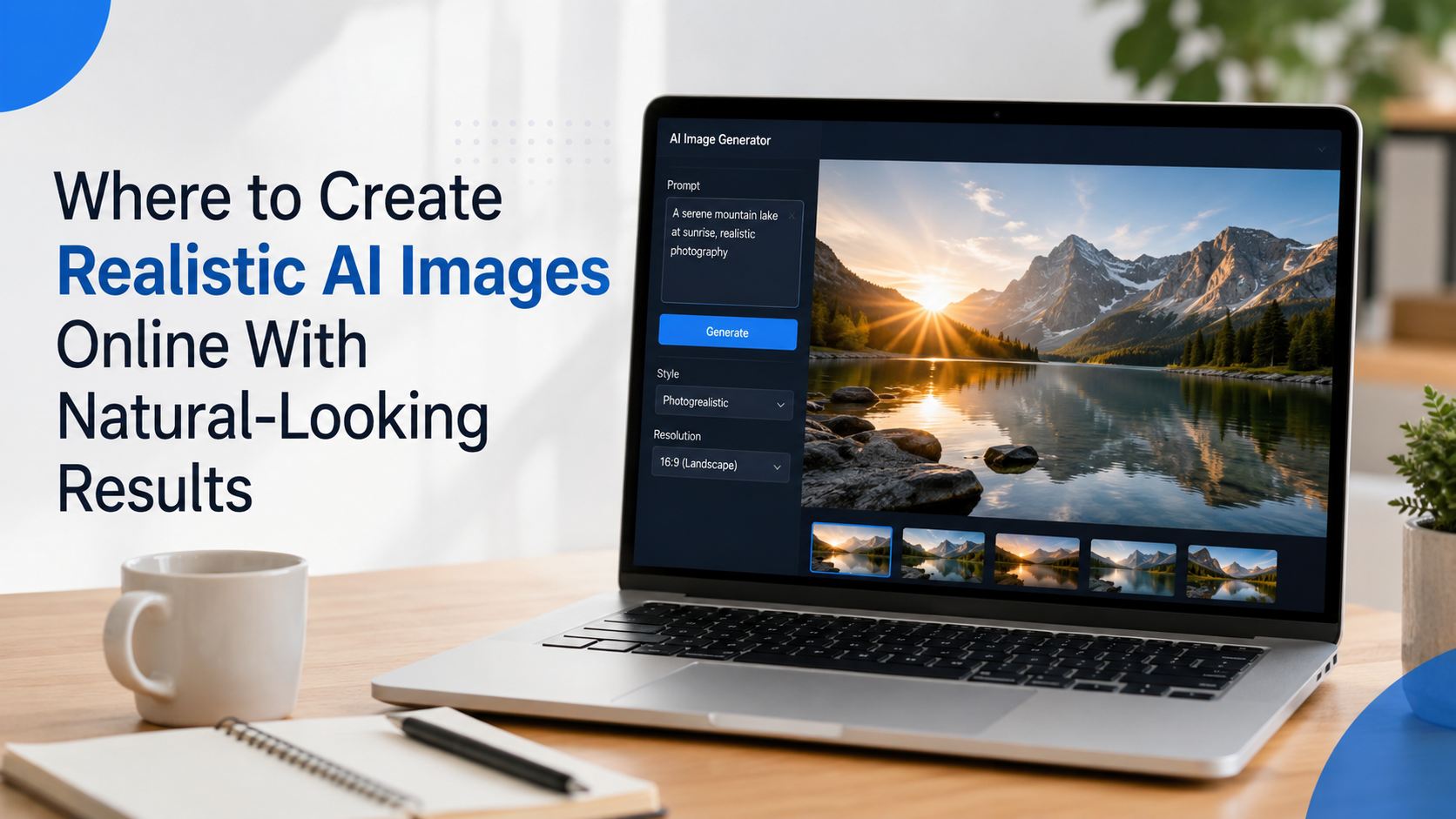
If you are searching for where to create realistic AI images, the best answer depends on what "realistic" means for your project. A natural-looking portrait, a product visual, a travel-style scene, and a polished Instagram creative need different levels of control.
For most users in India, the strongest starting points are ChatGPT Images, Adobe Firefly, Midjourney, and Canva. Each can generate photo-style visuals online, but they differ in how easily you can refine an image, maintain a consistent style, add text, or place the final image into a social post or presentation.
The tool matters, but prompt quality and careful review matter just as much. AI images can still produce inaccurate hands, awkward objects, implausible shadows, or culturally generic details. The goal is not simply to generate an image; it is to direct, inspect, and improve it until it feels credible for its intended use.
Key Takeaways
- ChatGPT Images is a practical choice for conversational prompting and targeted edits to generated or uploaded images.
- Adobe Firefly is useful when you need image-generation controls, editing options, and Content Credentials on fully Firefly-generated assets.
- Midjourney is well suited to creators who want a highly controlled visual style through image and style references.
- Canva is convenient for generating an image and immediately using it in a post, presentation, flyer, or marketing layout.
- Natural results come from specific prompts, suitable aspect ratios, reference images used with permission, and a final human quality check.
- Never use an AI-generated realistic image to mislead people, impersonate someone, or make unsupported claims.
Choose a Tool Based on the Job, Not Just the Image Quality
There is no single best realistic AI image generator for every situation. Before opening a tool, define the result you need: a one-off concept image, a believable Indian lifestyle scene, an ecommerce background, or a set of consistent campaign visuals.
| Tool | Best for | Useful controls |
|---|---|---|
| ChatGPT Images | Easy prompt refinement and selective edits | Conversational changes, uploads, selection-based editing, aspect ratios |
| Adobe Firefly | Brand workflows and controlled generation/editing | Text-to-image controls, reference images, text-based editing, Content Credentials |
| Midjourney | Strong visual direction and repeatable aesthetics | Image prompts, Style Reference, Personalization, prompt parameters |
| Canva Magic Media | Quick content creation inside a design workflow | Photography styles, reference images, layouts, "generate more like this" |
ChatGPT Images for iterative, plain-language work
ChatGPT Images lets you create an image through a normal conversation, upload an image, and request changes. This is especially useful when you know what looks wrong but do not want to learn a complex interface.
For example, begin with a realistic café scene, then ask for only one change at a time: "Keep the composition, but replace the plastic-looking cup with a ceramic kulhad." You can also select part of an image and describe an edit for that area. The editor's selection may not be perfectly precise, so inspect neighbouring details after every change.
Adobe Firefly for controlled marketing and design assets
Adobe Firefly is a sensible option for teams already using Adobe tools or for people who need to generate, edit, and prepare visuals within a design workflow. It supports standard output formats such as square, landscape, portrait, widescreen, and—in supported models—vertical images.
Firefly also supports reference-image workflows. Adobe's guidance says that a style reference can influence elements such as colour, texture, lighting, and overall visual character; only upload a reference image when you have the necessary rights to use it. Fully Firefly-generated images automatically receive Content Credentials, which can help communicate how an asset was created.
Midjourney for art direction and visual consistency
Midjourney is a strong option when the visual mood is central to the project: editorial fashion, architecture, campaign imagery, premium product scenes, or an ongoing social-media identity.
Its Style Reference feature can transfer the overall visual feel of a reference—such as colour palette, lighting, texture, or medium—without being a tool for copying people or objects. Combine a short, clear subject prompt with a suitable style reference rather than filling the prompt with conflicting style instructions.
Canva for content that must be published in a layout
Canva Magic Media is particularly practical for small businesses, students, marketers, and creators who need a finished design rather than a standalone image file. You can choose photography, digital-art, or fine-art styles, upload a reference image, choose a square, landscape, or portrait layout, and generate similar alternatives from an image you prefer.
Canva states that users own what they create subject to its Terms of Use, while noting that copyright treatment of AI-generated work differs by country. If your visual contains a recognisable person, character, or brand, permission may still be required.
How to Write Prompts That Look Like Real Photography
A vague request such as "realistic Indian woman in office" often produces a generic image. A better prompt describes what a photographer would need to know before taking the photograph.
Use this structure:
Subject + action + setting + lighting + camera framing + materials/details + exclusions
Here is a useful example:
Documentary-style editorial photograph of a young Indian entrepreneur reviewing handmade textile samples in a sunlit Jaipur studio, natural window light from the left, medium shot at eye level, authentic woven cotton textures, neutral colour grading, shallow depth of field, candid expression, no text, no watermark, no distorted hands.
This prompt gives the model a clear subject, activity, location, light source, framing, texture, and visual restraint.
Add specific local context carefully
For Indian audiences, specificity can make an image feel more grounded. Mention believable context rather than relying on stereotypes:
- A Bengaluru coworking space with monsoon light outside
- A family-owned bakery in Kochi with tiled walls and warm daylight
- A college student commuting on the Delhi Metro
- A handloom workshop in Varanasi with realistic materials and tools
Do not treat a state, religion, profession, or community as a costume. Ask for authentic surroundings and ordinary human activity. Review the result closely to make sure signage, clothing, food, architecture, and cultural details are not inaccurate or insensitive.
Use negative instructions sparingly
Instead of a long list of "do not" phrases, define the positive visual target clearly. Add only the exclusions that address a real risk:
- "No visible brand logos"
- "No text or watermark"
- "No extra fingers"
- "No overly airbrushed skin"
- "No dramatic cinematic colour grading"
If a result still looks artificial, simplify the prompt and regenerate. Too many contradictory instructions can make the output less coherent.
Set the Right Format Before You Generate
An image can be realistic and still fail because it is the wrong shape for the destination. Select the layout before generating wherever the tool allows it.
| Intended use | Recommended framing | What to request |
|---|---|---|
| Instagram feed post | Square or portrait | "Leave clean space at the top for a headline" |
| Instagram Story or Reel cover | Vertical | "Vertical composition, subject in the middle third" |
| Website banner | Widescreen | "Wide frame, subject on the right, uncluttered left side" |
| Ecommerce listing | Square | "Product centred, clean neutral background, accurate materials" |
| Blog hero image | Landscape | "Landscape editorial photograph with room for title text" |
Adobe Firefly's documented aspect-ratio choices include landscape, portrait, square, widescreen, and, with supported models, vertical. In ChatGPT Images, you can use the aspect-ratio picker or specify the desired ratio in your request.
Planning the empty space in advance is better than cropping later. A crop may cut off a hand, product edge, or important facial feature and immediately make the image look less believable.
Use References and Editing to Improve Realism
A generated image rarely reaches final quality on the first attempt. Treat the first output as a draft.
Use reference images responsibly
A reference image can help with composition, lighting, colour, or a product's shape. It is especially valuable when you need a consistent series of images.
Use only photos, graphics, or brand assets that you own or are permitted to use. Do not upload client material, private family photos, or confidential product information unless you understand the tool's terms and have appropriate permission.
For a product campaign, upload your approved product photograph and request a new setting around it. For a lifestyle campaign, use a mood board of approved colours, materials, and locations rather than trying to copy another creator's image.
Make one change per revision
When the image is almost right, avoid rewriting the entire prompt. Ask for focused changes:
- "Keep the person and lighting unchanged; make the background less crowded."
- "Replace the smartphone with a plain, unbranded black device."
- "Make the fabric texture more natural and reduce the glossy appearance."
- "Keep the same composition, but use softer overcast daylight."
OpenAI's image-generation guidance recommends small, targeted revisions and clear descriptions of the intended purpose, subject, setting, style, framing, and lighting. This approach also makes it easier to identify which change improved or harmed the image.
Check for the Details That Reveal AI Generation
Before publishing, inspect the image at full size. A quick glance is not enough, especially for a business, education, healthcare, finance, or news-related use case.
Use this review checklist:
- Count fingers and inspect hands, jewellery, spectacles, and ears.
- Check whether chairs, tables, railings, and backgrounds connect logically.
- Ensure shadows point in a consistent direction.
- Examine faces for asymmetry, unusually smooth skin, or strange teeth.
- Confirm that packaging, devices, food, tools, and vehicles are plausible.
- Remove AI-generated text and add important copy later in Canva, Adobe Express, or another design tool.
- Check whether any logo, landmark, product, or uniform creates a rights or accuracy issue.
Do not use synthetic images as evidence of a real event, place, product performance, medical outcome, public figure, or news development. If an image could reasonably be mistaken for a real photograph in a sensitive context, label it clearly as AI-generated or illustrative.
Common Reasons "Realistic" AI Images Still Look Fake
The most common problem is an over-styled prompt. Phrases such as "ultra-realistic, 8K, cinematic, hyper-detailed" can push a model toward glossy, exaggerated imagery rather than a believable photograph.
Instead, request restrained photography language:
- Natural daylight
- Documentary-style photograph
- Realistic skin texture
- Ordinary lived-in environment
- Neutral colour grading
- Candid expression
- Shallow depth of field only when appropriate
Another problem is impossible scene design. If a prompt asks for crowded street action, multiple people, detailed hands, small product labels, reflections, and elaborate interiors in one frame, errors become more likely. Generate the key image first, then edit the background, object, or text in later steps.
Frequently Asked Questions
Which website is best for creating realistic AI images online?
ChatGPT Images is a good choice for easy conversational generation and edits. Adobe Firefly is useful for design-oriented workflows and Content Credentials, Midjourney is strong for distinctive art direction, and Canva is convenient for turning an image into a finished marketing design. Choose based on your workflow, not on a single "best" ranking.
Can I create realistic AI images for free?
Some services provide access with usage limits, trials, or plan-dependent allowances, but these limits can change. For example, OpenAI states that image creation is available to ChatGPT Free users with separate tool limits. Check the service's current in-product limits and terms before planning a large project.
How can I make an AI portrait look more natural?
Describe a realistic setting, modest lighting, a specific camera distance, a natural expression, and authentic skin texture. Avoid excessive beauty-filter language. Then inspect hands, teeth, hairlines, ears, glasses, and background objects at full size before using the image.
Can I use an AI-generated image for my business in India?
It depends on the platform's terms, the source material you used, and how the image will be presented. Do not assume that generating an image removes all rights, privacy, trademark, or consumer-protection concerns. Avoid recognisable people, third-party logos, copyrighted characters, and misleading representations without appropriate permission and legal review.
Should I add text inside the AI-image prompt?
Use in-image text only when it is short and non-critical. Even when a tool can render text, important prices, legal disclaimers, product names, phone numbers, and campaign copy should be added and proofread in a design editor after generation.
Conclusion
The best place to create natural-looking AI visuals depends on your final goal: use ChatGPT Images for conversational refinement, Adobe Firefly for controlled design workflows, Midjourney for consistent visual direction, and Canva for fast, layout-ready content.
Start with a precise prompt, select the correct format before generating, refine one element at a time, and review every final image like an editor. That combination—not a single tool name—is what turns an AI-generated visual into a credible, useful result.