Yes, ChatGPT can create images from written instructions and can also edit images you upload. You can ask for a product mock-up, an illustration, a social-media creative, a study diagram, or a revised version of an existing photo within a ChatGPT conversation.
For users in India, the important question is not simply whether image generation exists, but how to access it, what it can realistically do, and where its limits lie. ChatGPT Images is available through ChatGPT on the web, iOS and Android. Availability and usage limits can vary by account tier and may change over time. OpenAI's Images in ChatGPT guide is the authoritative place to confirm the current experience.
Key Takeaways
- ChatGPT can generate original images from prompts and edit uploaded or previously generated images.
- You can access image creation by describing the image in a chat or selecting More and then Images where available.
- The Free tier includes image creation, but it has separate usage limits; paid tiers generally provide higher limits.
- Specific-area edits can be requested with the editor's selection tool or through clear written instructions.
- Generated images can be downloaded, shared and revisited from the Images area in ChatGPT.
- Review every output before publishing, especially text, brand elements, factual visuals and images of real people.
What Does It Mean When ChatGPT Creates an Image?
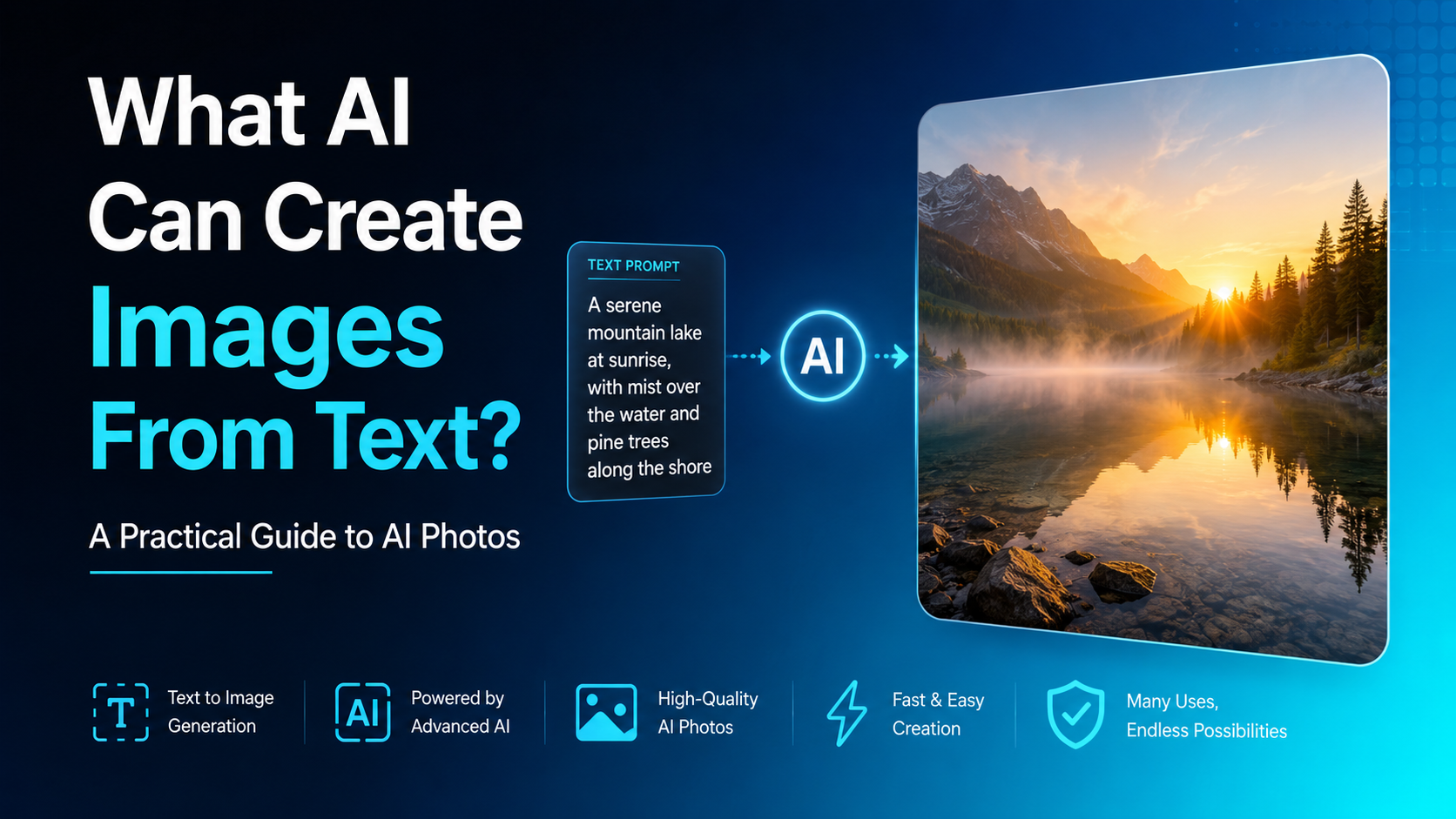
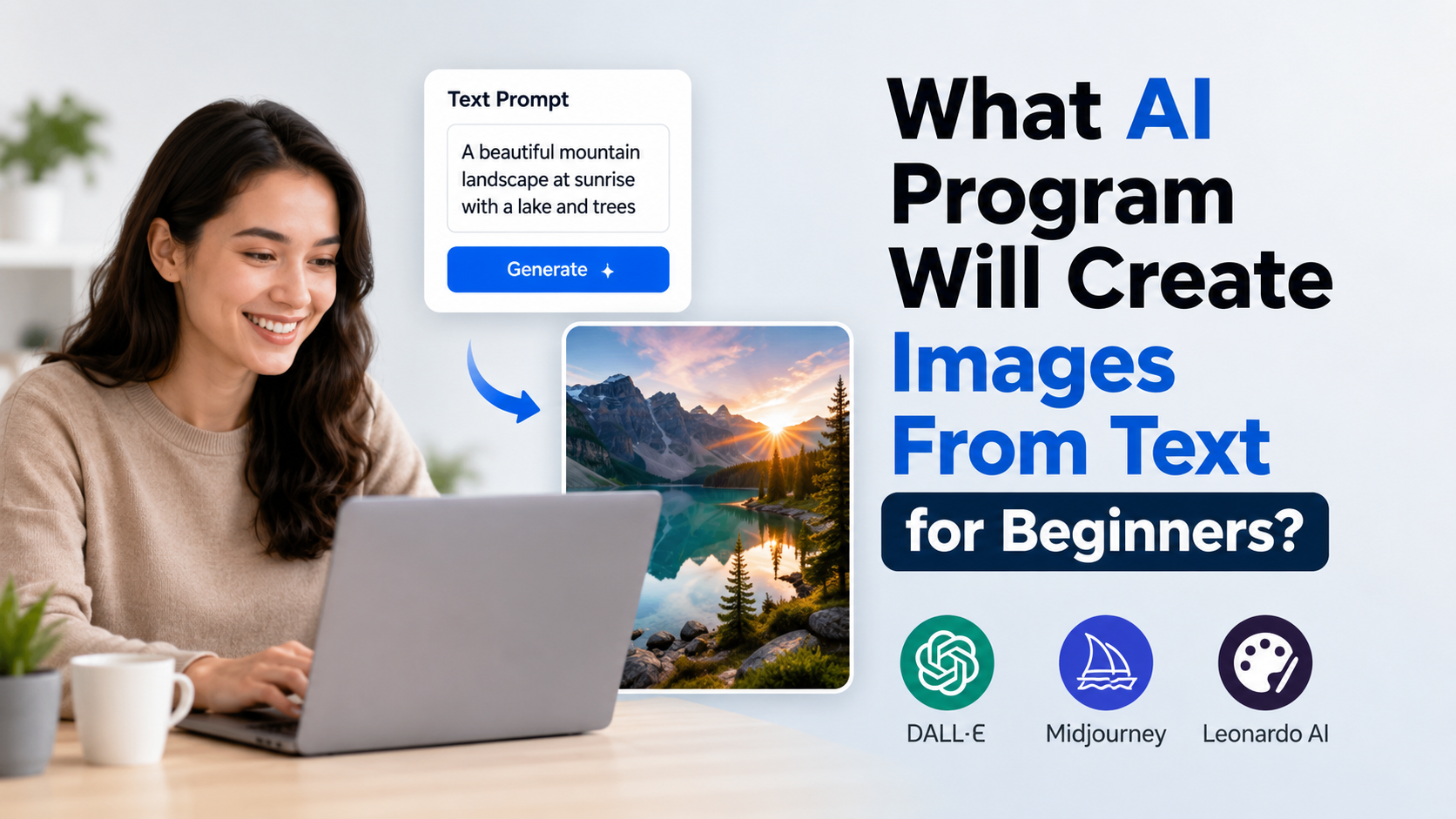
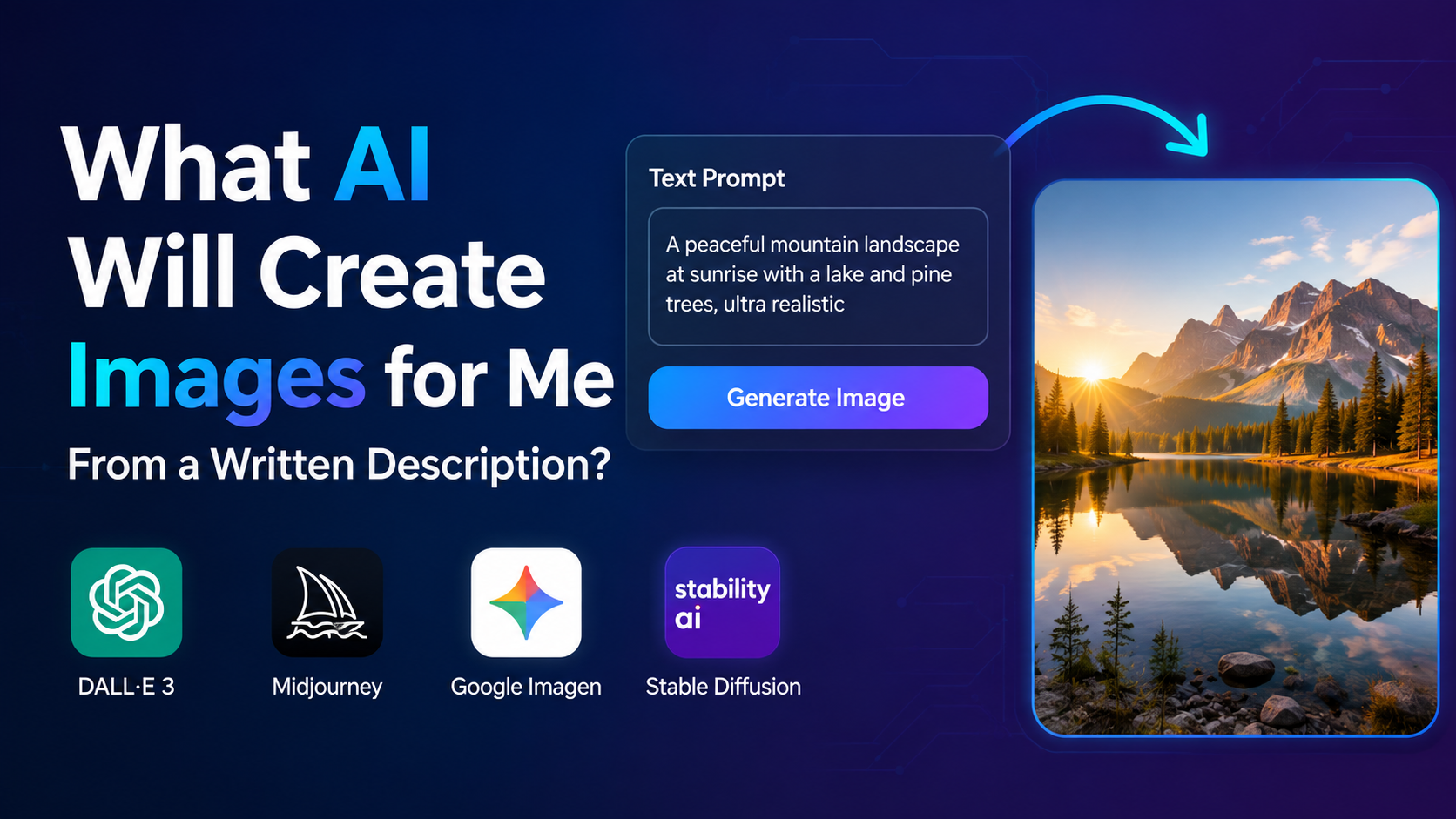
ChatGPT image creation is an AI feature that turns a written description into a new visual. Instead of searching a stock-image library, you tell ChatGPT what you need and refine the result conversationally.
For example, an Indian café owner could write:
Create a warm Instagram post for a Bengaluru speciality coffee shop, with a South Indian filter coffee aesthetic, terracotta colours, subtle rain outside the window, and space at the top for a short offer.
ChatGPT can use those instructions to create an original visual concept. You can then ask for targeted revisions, such as "make the offer space larger," "remove the people," or "use a square composition."
This is different from image understanding. When you upload an image and ask, "What does this chart show?" ChatGPT is analysing the image. When you ask it to make a new poster or alter the uploaded chart's design, it is creating or editing an image.
How to Access ChatGPT Image Creation
The simplest way to access the feature is to sign in to ChatGPT on chatgpt.com or the official iOS or Android app.
Create an Image in a Chat
Use a direct instruction in the message box. Phrases such as these work well:
- "Create an image of…"
- "Generate a realistic product photograph of…"
- "Make a flat vector-style illustration showing…"
- "Design a 16:9 YouTube thumbnail concept for…"
You can also select More and then Images in ChatGPT, where that option appears. Enter your request and wait for the image to be generated. Complex prompts may take a few minutes, but you can continue using ChatGPT while it works.
Use the Images Area
ChatGPT saves images you create under Images, allowing you to revisit them later. From an image's controls, you may be able to copy it, save it to your device or share it with another app. Deleting the conversation that created an image removes it from My Images, according to OpenAI's current help documentation.
The precise interface can differ between web and mobile releases, so use the in-product controls rather than relying on screenshots from older tutorials.
Access by Plan: What to Expect
OpenAI states that ChatGPT Images is available on all ChatGPT tiers. Free users can create images, but image generation has its own usage limits. ChatGPT will notify you if you reach a limit and show when access becomes available again.
| Access point | What it means |
|---|---|
| ChatGPT Free | Image creation is available with separate, variable limits. |
| Paid ChatGPT tiers | Image creation is available; limits may be higher than Free. |
| Web, iOS and Android | ChatGPT Images is available on these platforms. |
| API | Separate developer product with separate billing and rate limits. |
Avoid assuming that a subscription guarantees unlimited generations. OpenAI can change product limits, and the app is the best place to see the limit that applies to your account. See the ChatGPT Free Tier FAQ for current Free-tier guidance.
Main Features of ChatGPT Images
Text-to-Image Generation
The core feature is creating a visual from a text prompt. You can specify:
- Subject and setting
- Art direction, such as photorealistic, watercolour, 3D render or editorial illustration
- Colours, lighting and mood
- Composition and camera angle
- Intended format, such as portrait, landscape, square or banner
- Text that should appear in the design
Clear prompts give the system more useful constraints. "Make a poster for a sale" is vague; "Create a clean A4 portrait poster for an organic grocery sale, green and cream palette, leave a blank price panel, no brand logos" gives it a practical brief.
Image Editing and Inpainting
You can upload an image or select an image ChatGPT generated, then describe the change you want. Examples include:
- Remove a distracting object from a background.
- Change a shirt's colour.
- Replace a plain background with a studio setting.
- Turn a horizontal composition into a vertical social post.
- Add a decorative element in one selected area.
ChatGPT's editor includes a selection tool for identifying the portion you want changed. However, OpenAI cautions that selections are not always exact and the edit may extend beyond the highlighted area. Check surrounding details after every edit.
Aspect Ratios and Iteration
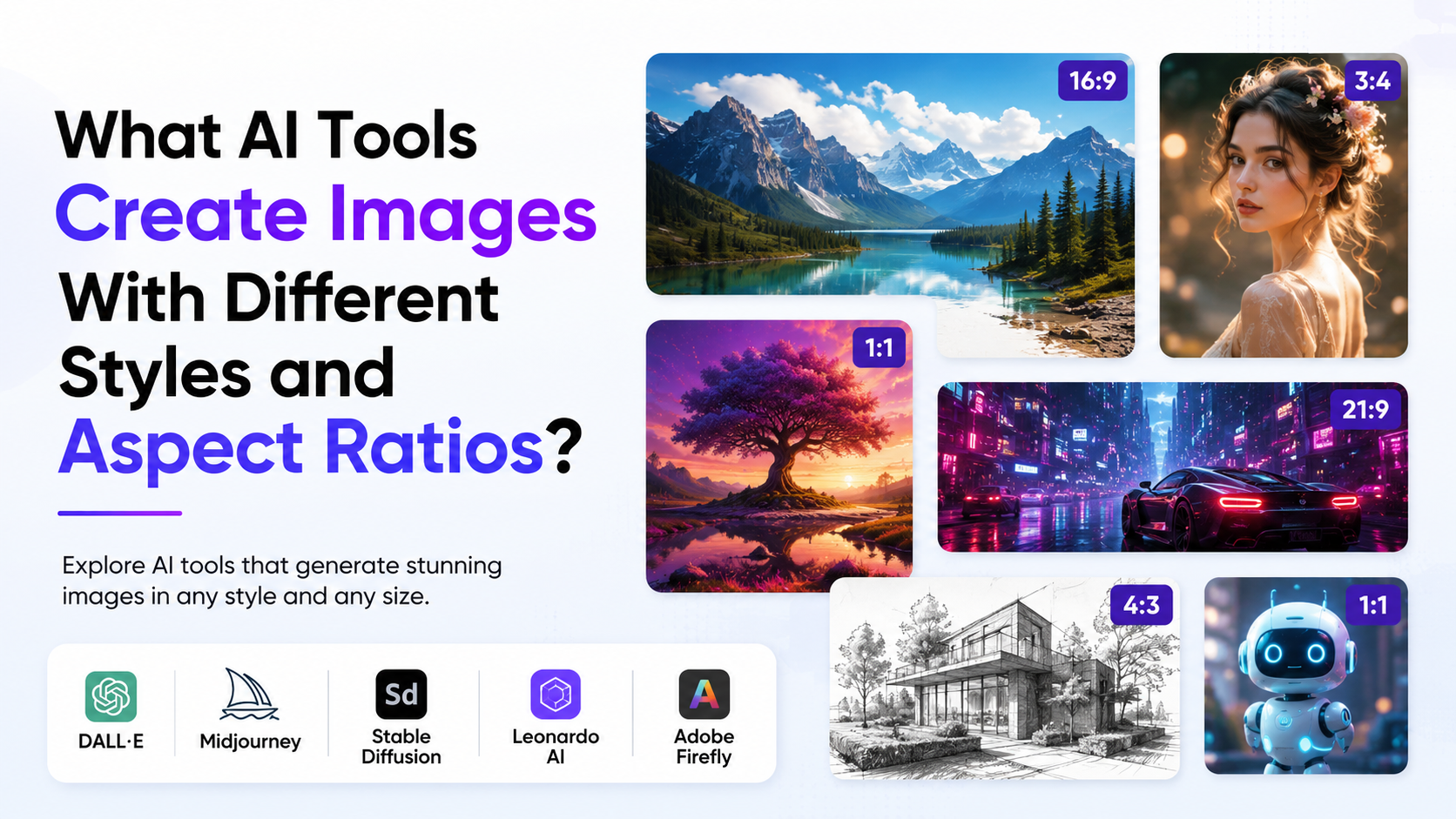
You can choose a desired aspect ratio through the picker or state it in your prompt. This matters because a visual designed for a LinkedIn post, an Instagram Story and a presentation slide needs different framing.
Use follow-up prompts instead of starting again when the concept is close. For instance:
- "Create a modern infographic about saving water at home."
- "Keep the layout, but replace the shower icon with a bucket-and-mug bathing icon."
- "Use simpler English suitable for a school notice board."
- "Make it vertical for a mobile story."
Conversational iteration is often the fastest route to a usable result.
A Practical Prompt Framework


A strong image prompt is a creative brief, not a list of random adjectives. Use this six-part structure:
| Prompt element | Include |
|---|---|
| Goal | What the image is for |
| Subject | The people, objects or scene |
| Visual style | Photo, illustration, minimal design, etc. |
| Composition | Orientation, focal point and spacing |
| Details | Colours, lighting, materials and local context |
| Constraints | Text, logos, exclusions and safety requirements |
Here is a practical example for an Indian small business:
Create a premium square product image for a handmade neem soap brand. Show one unbranded soap bar on a light stone surface with neem leaves, soft natural daylight, and a clean earthy green palette. Leave uncluttered space on the right for product copy. No readable packaging text, no medical claims, no logos.
This prompt tells ChatGPT the commercial purpose, product, styling, layout and exclusions. It also avoids asking the model to invent a real brand identity or make unsupported health claims.
Useful Applications in India
ChatGPT image creation can help individuals and teams develop ideas quickly, particularly when they need custom visuals but do not need a final production asset immediately.
Education and Learning
Teachers and students can request visual aids such as labelled science concepts, historical-scene illustrations, revision flashcard concepts or simple process diagrams. Verify educational facts independently before using an image in class, because a visually convincing diagram can still contain an error.
Small Businesses and Marketing Teams
Potential uses include campaign concepts, product-background experiments, menu illustrations, festive creative drafts and presentation visuals. For commercial work, ensure the final creative matches brand guidelines, consumer-protection requirements and platform advertising policies.
Content Creation
Creators can make thumbnail concepts, blog headers, storyboard frames and social-post illustrations. It is sensible to create multiple variations and choose the one with the clearest message instead of treating the first output as final.
Design Exploration
Designers can use ChatGPT to explore references, layouts, colour directions and rough visual treatments. It works best as an ideation and iteration tool; brand-critical deliverables often still need professional review and finishing.
Important Limitations and Responsible Use
AI image tools are capable, but they are not a substitute for verification, consent or design quality control.
Check Text, Facts and Fine Details
Generated text may contain misspellings, incorrect numerals or awkward spacing. Maps, charts, diagrams, documents, product labels and technical illustrations need careful human review. Do not use an AI-generated visual as evidence of a real event, price, statistic or official notice.
Respect Privacy, Consent and Identity
Do not upload photographs you do not have permission to use. Be particularly careful with children, clients, employees and private documents. Before publishing an edited image of a real person, consider whether the alteration could mislead viewers or harm that person.
OpenAI states that ChatGPT-generated images include C2PA provenance metadata, which can help communicate that an image was AI-generated. Metadata should not replace transparent labelling where disclosure is appropriate.
Follow Content and Copyright Rules
Do not assume that an image is safe to publish simply because it was generated. Check for unintended resemblance to protected logos, copyrighted characters, trademarks or recognisable people. Review the applicable terms of the platform where you plan to publish the visual.
For business use, keep a record of the prompt, revisions and any human edits. This makes approvals and later corrections easier.
ChatGPT Images Versus the API
Most people looking for easy access should use ChatGPT directly. It is designed for conversational creation and editing.
Developers building image generation into a website or app can use OpenAI's API. API usage is separate from a ChatGPT subscription and has separate pricing, account requirements and rate limits. OpenAI documents its image model, endpoints and current pricing on the GPT Image 1 model page.
For a non-technical user, the distinction is simple: ChatGPT is the ready-to-use interface; the API is for integrating image generation into software.
Frequently Asked Questions
Does ChatGPT create images for free?
Yes. OpenAI's Free-tier documentation lists image creation as an available feature. However, Free accounts have separate image-generation limits, and those limits can change. ChatGPT displays a notice if you reach the applicable limit.
Can I edit my own photo with ChatGPT?
Yes. You can upload an existing image and describe the desired changes. You can also use the selection tool to identify a specific region. Review the completed image carefully, because edits may affect areas beyond the selected region.
Can ChatGPT make images with text?
It can be asked to add text, but you should proofread the result before using it publicly. For important posters, advertisements, prices, legal notices or educational graphics, add or verify the final text in a dedicated design tool.
Can I download images generated in ChatGPT?
Yes. OpenAI's current guide says you can select Save from an image's controls to download it to your device. The Images section also lets you revisit created images.
Is ChatGPT image generation the same as DALL·E?
ChatGPT's current image experience is called ChatGPT Images. OpenAI states that the official DALL·E GPT in ChatGPT is scheduled for retirement on August 30, 2026; users should use ChatGPT Images for ongoing image creation and editing.
Conclusion
ChatGPT does create images, and users can access the feature through ChatGPT on web, iOS and Android. Its most useful features are prompt-based image generation, conversational revisions, uploaded-image editing, selection-based changes and aspect-ratio control.
Start with a specific prompt, iterate on one clear visual goal at a time, and review every image before publishing. For current availability, limits and interface changes, consult OpenAI's official Images in ChatGPT documentation before planning a high-volume or business-critical workflow.