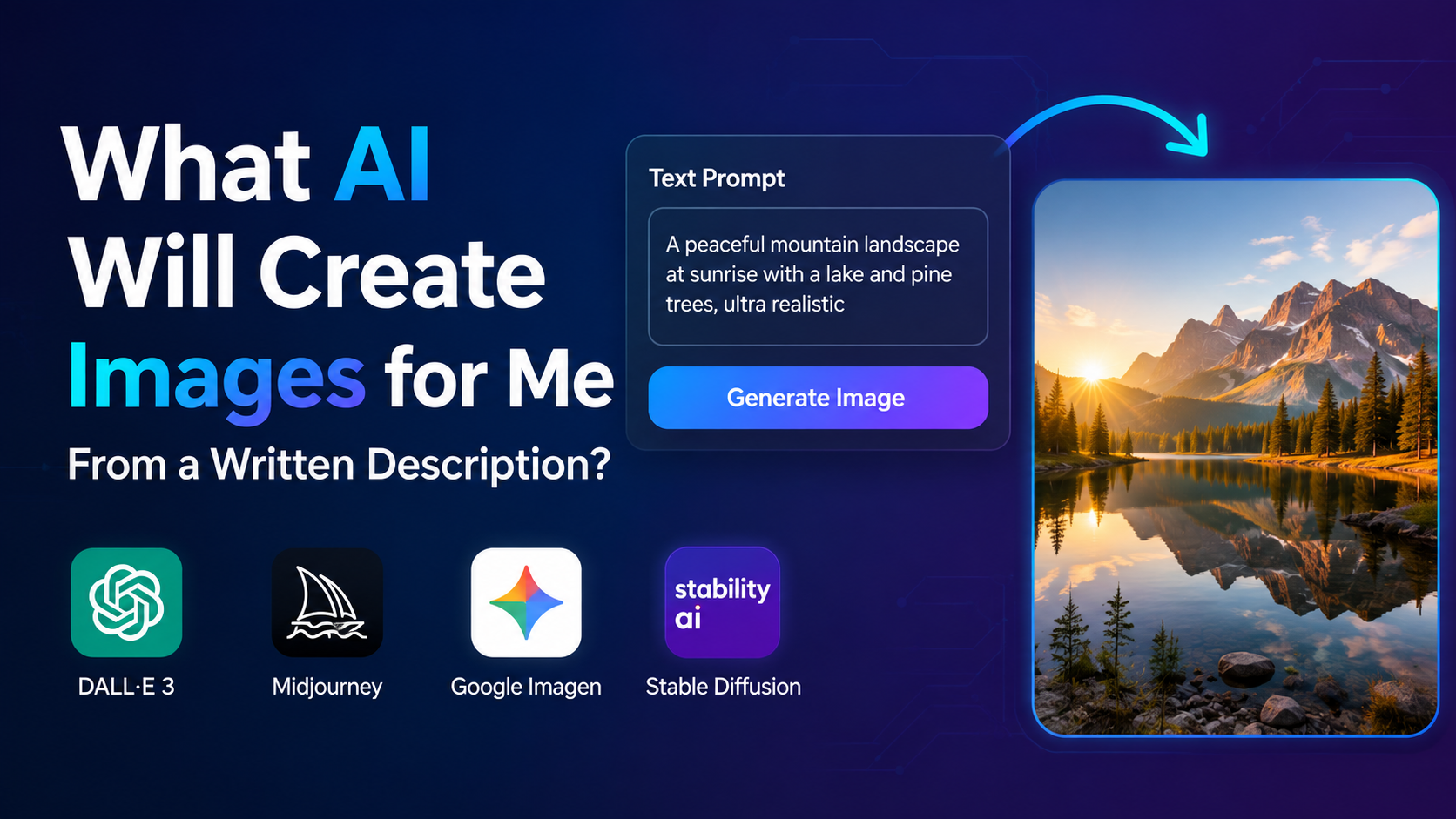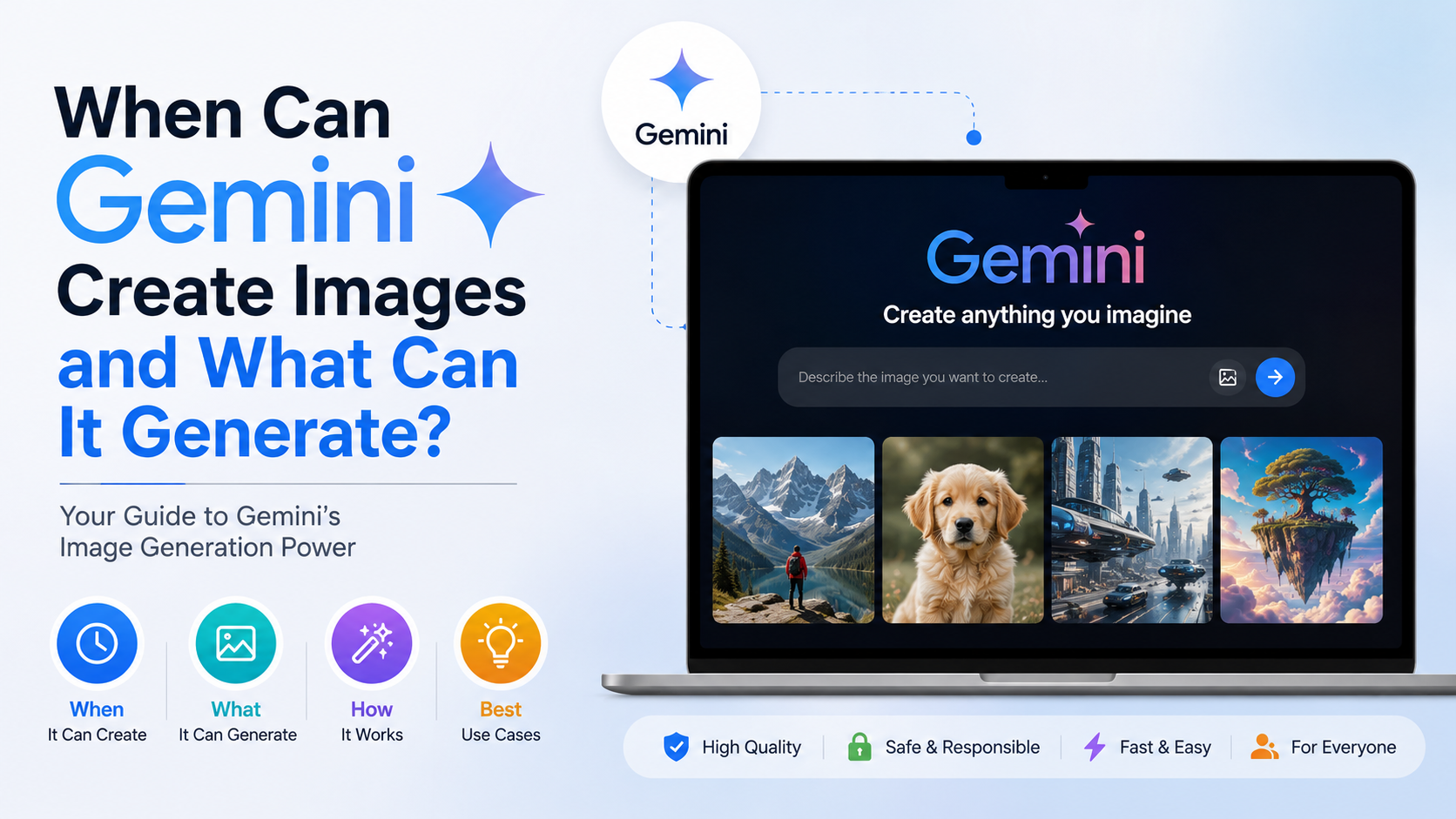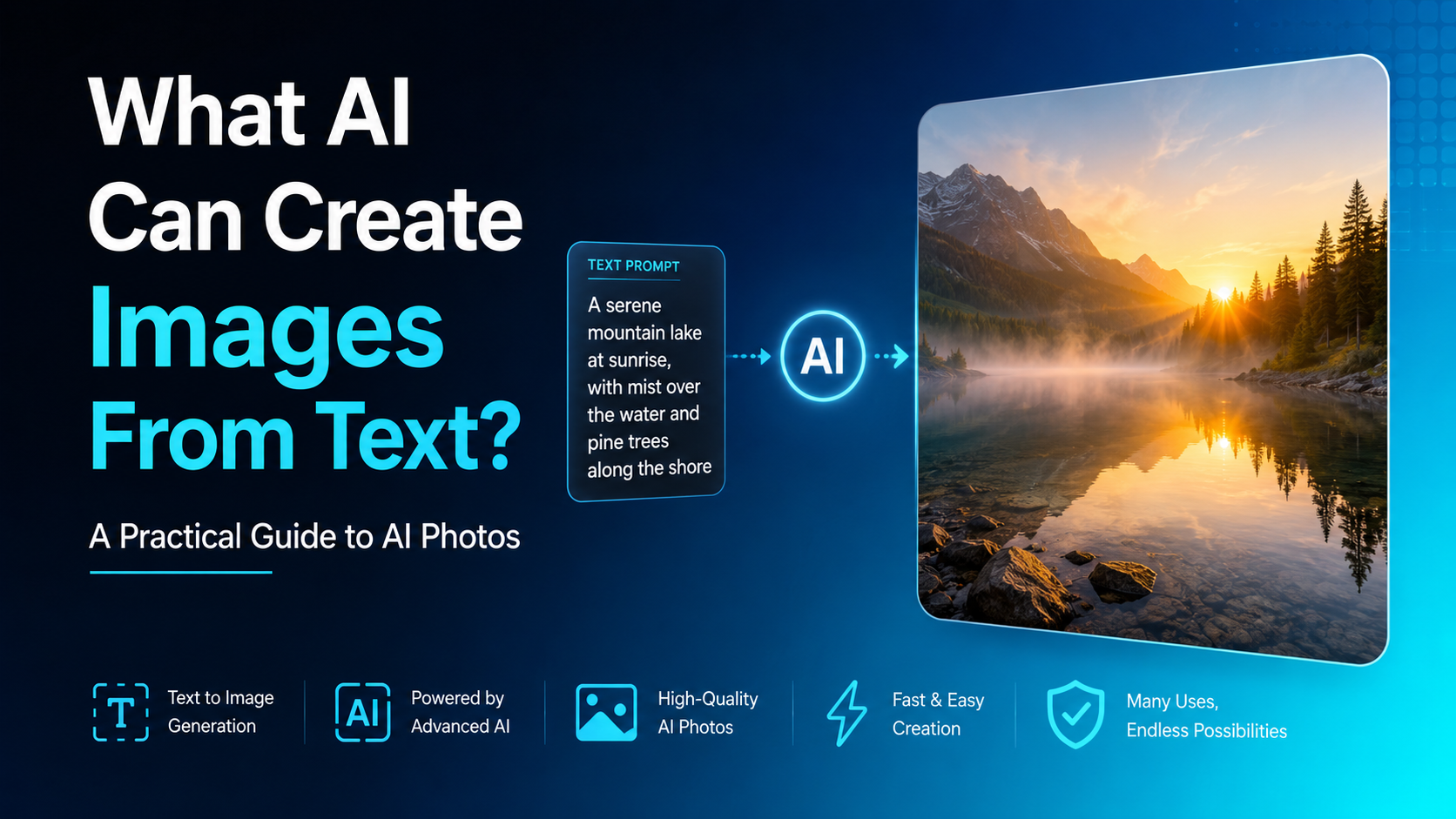
AI image generators turn a written instruction—called a prompt—into an original visual. Depending on the tool and prompt, that visual may be a realistic-looking photo, product mock-up, illustration, poster concept, social-media creative, architectural scene, or digital artwork.
For people and businesses in India, this makes it easier to create campaign visuals, classroom material, website graphics, catalogue concepts, and presentation images without arranging a photoshoot for every idea. However, AI-generated Photos need careful review: a polished image can still contain incorrect text, distorted hands, misleading details, or content that should not be published without permission.
Key Takeaways
- Text-to-image AI converts a written description into a newly generated visual.
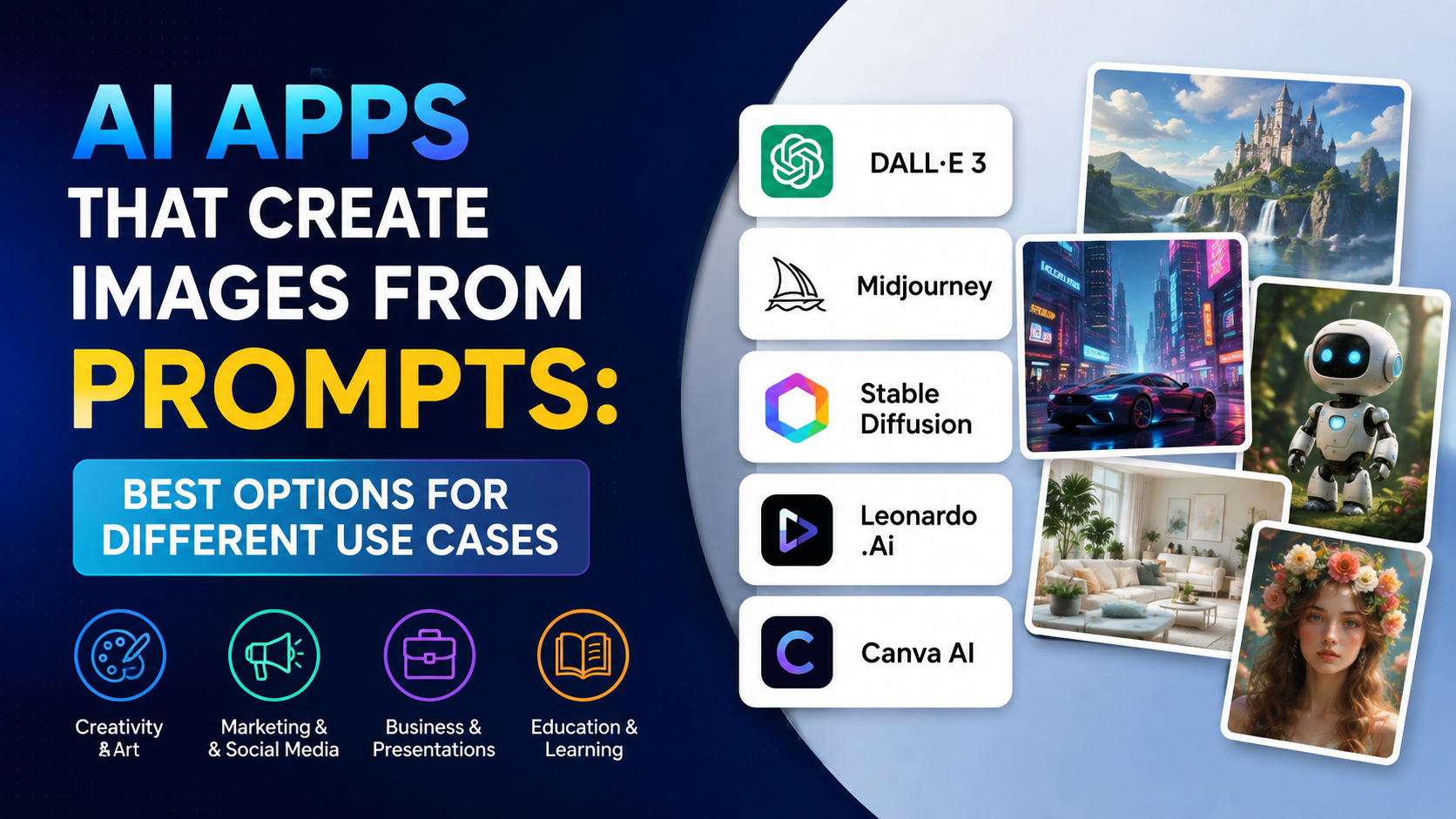
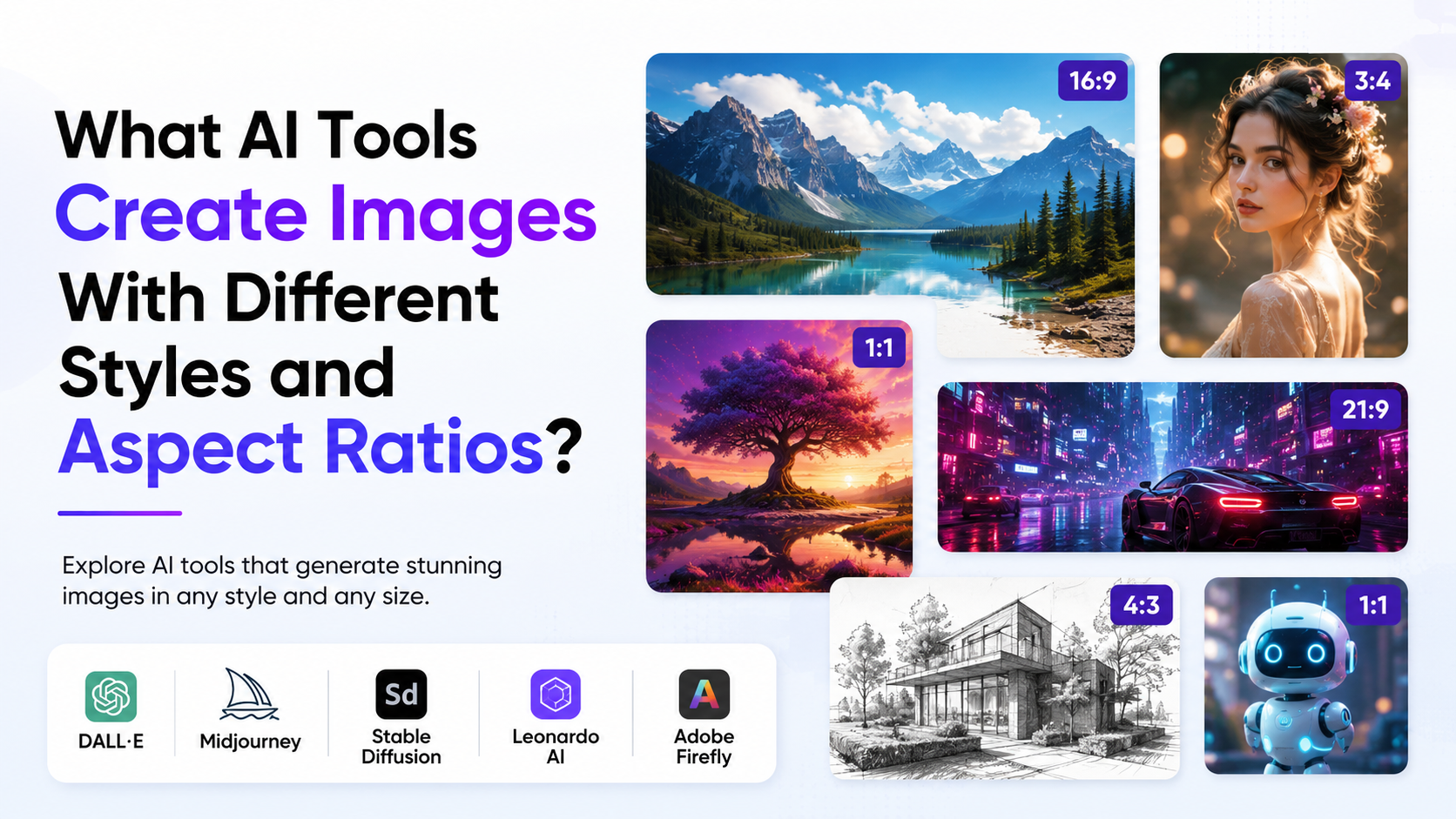
- Tools such as ChatGPT, Gemini, Adobe Firefly, Midjourney, and Stable Assistant can create images from prompts.
- Better prompts specify the subject, setting, style, lighting, composition, and intended format.
- AI can produce realistic Photos, but realism does not make an image factual or suitable for news use.
- Review every generated image for spelling, cultural accuracy, product details, faces, and intellectual-property concerns.
- Under India's Copyright Act, computer-generated works have specific authorship language, but commercial use should still be assessed carefully.
What Does Text-to-Image AI Actually Do?
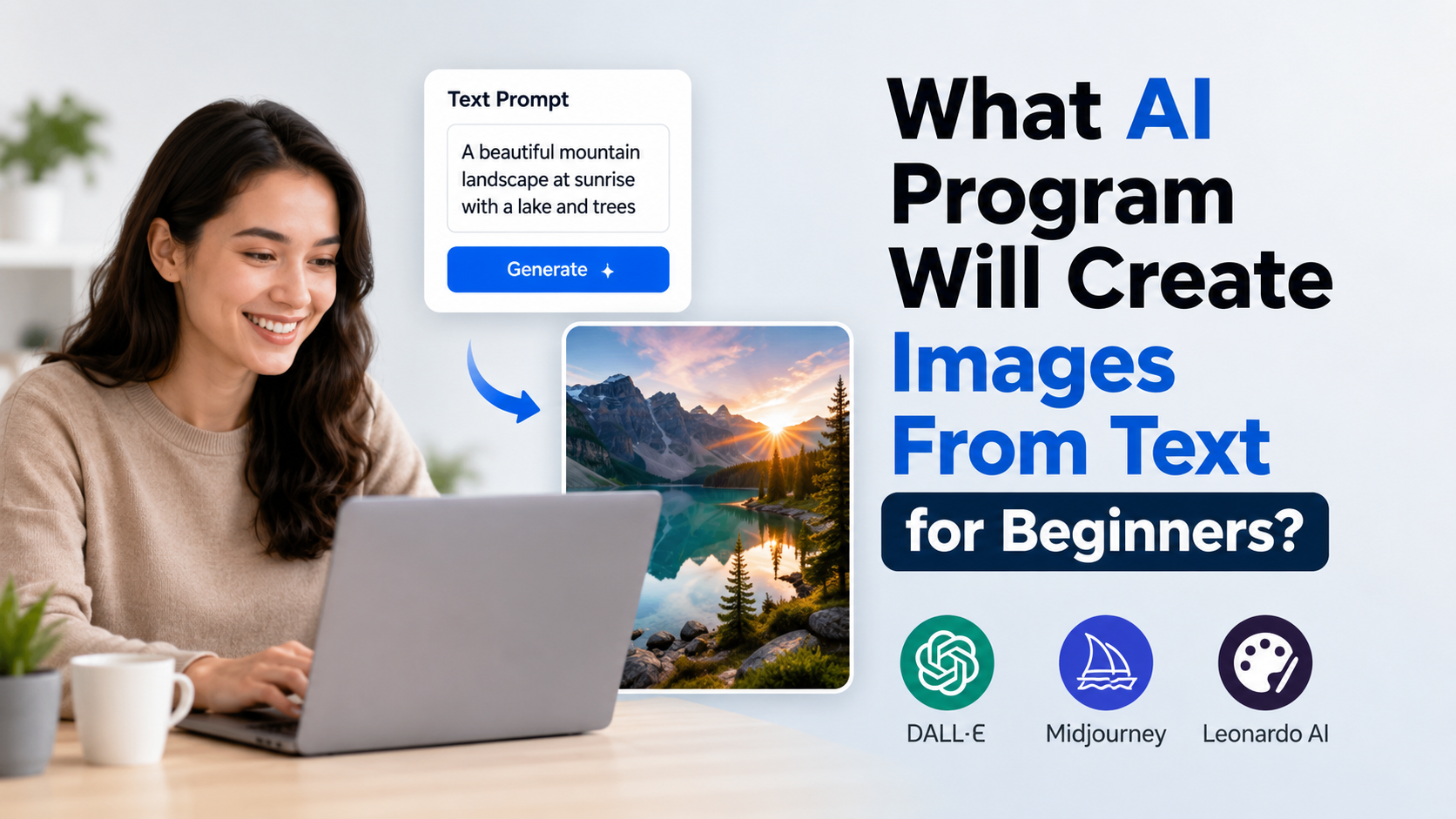
Text-to-image AI uses a prompt to generate visual content that matches the words as closely as its model can. For example, a prompt such as:
"Professional product photo of a reusable steel water bottle on a light wooden desk, soft morning window light, clean Indian e-commerce style, vertical composition"
may produce several original interpretations of that description.
The system does not retrieve one existing photograph from a search engine. Instead, it creates pixel-based output from patterns learned during training and from the instructions provided in the prompt. The result is best treated as a creative draft, not as evidence that an event happened or that a person, location, product feature, or medical outcome is real.
Text-to-image tools can also support editing. Depending on the platform, users may upload an image and ask for changes such as replacing a background, adding an object, extending the canvas, changing a colour palette, or producing variations.
Which AI Tools Can Create Images From Text?
Several established AI services provide text-to-image capability. The right option depends on whether you need conversational creation, marketing assets, stylised art, editing controls, or developer integration.
| AI tool | What it can help create | Useful consideration |
|---|---|---|
| ChatGPT / OpenAI image models | Generated and edited images from natural-language instructions | OpenAI's current image models support image generation and editing through its platform tools. |
| Google Gemini | Prompt-based images and image edits, including work based on uploaded images | Google states that Gemini Apps can generate and refine images from prompts, subject to account, age, language, and country availability. |
| Adobe Firefly | Creative concepts, marketing visuals, and design workflows | Adobe says non-beta Firefly features may be used in commercial projects, subject to the applicable terms. |
| Midjourney | Stylised artwork, concept visuals, and imaginative compositions | Its prompt controls cover subject, medium, setting, lighting, colour, mood, and framing. |
| Stable Assistant | Image generation and image-editing tasks | Stability AI recommends clearly specifying subject, environment, and style. |
For practical use, start with the tool already available in your workflow. A small business creating product ideas may prefer a design-oriented platform, while a developer building an image feature into an app may need an API-based model. Always read the current terms, privacy settings, and commercial-use conditions of the specific service before uploading client material or publishing output.
What Can AI Create From a Text Prompt?
The range is wide, but the best use cases are those where you can review and refine the result.
Realistic-Style Photos
AI can generate realistic-looking Photos of food, interiors, landscapes, generic people, products, and lifestyle scenes. These work well for early campaign concepts, mood boards, blog headers, and visual mock-ups.
Use caution when the image depicts a real person, a public event, medical treatment, disaster, financial result, or political situation. A realistic AI image should not be presented as documentary photography.
Product and E-Commerce Concepts
A seller can generate ideas for a jewellery display, home décor setting, skincare packaging scene, or festive gift hamper. This can help a team decide on styling before investing in professional photography.
Do not use AI output as a substitute for accurate product representation when colour, dimensions, material, included accessories, or safety information could affect a buyer's decision. Product images should match the item actually being sold.
Illustrations and Educational Visuals
Text-to-image AI is useful for non-photographic visuals: diagrams, children's-book concepts, icon ideas, historical-style scenes, infographic backgrounds, and visual aids for presentations.
For school, training, or public-information material, check facts independently. AI can create a convincing illustration of an incorrect scientific process or an inaccurate map.
Advertising and Social-Media Creatives
A prompt can produce visual directions for Diwali, Eid, Pongal, Onam, Independence Day, wedding-season, or monsoon campaigns. It is particularly useful when you need multiple composition ideas quickly.
For branded work, leave logos, exact offer terms, prices, phone numbers, and small print to a controlled design tool. Generated text inside images can still be unreliable.
Architecture, Interiors, and Design Ideas
Architects, interior designers, and homeowners can explore room themes, façades, furniture arrangements, and materials. Treat the output as inspiration rather than a construction drawing. It does not confirm structural feasibility, local building compliance, cost, or material availability.
How to Write Prompts That Produce Better Photos
A prompt works best when it describes the outcome rather than merely naming a topic. Midjourney's official guidance similarly highlights subject, medium, environment, lighting, colour, mood, and composition as useful prompt components.
Use this structure:
Subject + action + setting + visual style + lighting + composition + constraints
For example:
"A warm, realistic photo of an Indian family preparing breakfast in a bright Bengaluru apartment kitchen, natural window light, candid lifestyle photography, eye-level camera angle, horizontal composition, no visible brand logos."
This prompt tells the AI what is central, where the scene happens, how it should feel, and how it should be framed.


Prompt Elements That Matter
| Element | Questions to answer | Example |
|---|---|---|
| Subject | What should appear? | A handwoven cotton kurta on a mannequin |
| Action | What is happening? | Displayed in a boutique window |
| Setting | Where is it? | A modern shop in Jaipur |
| Style | Photo, illustration, sketch, 3D? | Premium editorial product photo |
| Lighting | Bright, moody, studio, natural? | Soft diffused daylight |
| Composition | Portrait, wide, close-up, overhead? | Vertical close-up with negative space |
| Constraints | What should be avoided? | No text, no watermark, no logos |
Improve Results Through Iteration
Do not expect the first output to be final. Generate a draft, identify one or two problems, and revise the prompt.
Instead of rewriting everything, make targeted changes:
- "Move the product to the centre."
- "Use a plain cream background."
- "Make the lighting softer."
- "Show one person only."
- "Use a square composition for an Instagram post."
- "Remove extra objects from the table."
When using a reference image, only upload content you own or have permission to use. Midjourney explains that image prompts guide the new creation rather than copying the source exactly, but that does not remove the need to respect the rights and privacy associated with the uploaded image.
A Simple Workflow for Creating AI Images
- Define the purpose: decide whether the image is for a pitch deck, blog, product concept, ad, classroom, or social post.
- Choose the format first: specify square, portrait, landscape, or banner-style composition based on where the image will appear.
- Write a focused prompt: include the core visual details and avoid packing unrelated ideas into one request.
- Generate multiple options: compare composition, clarity, cultural relevance, and consistency rather than choosing only the most dramatic image.
- Refine the best version: request limited changes or use the platform's editing tools.
- Review before publishing: inspect hands, faces, signage, packaging, background objects, text, and any implied claims.
- Add final brand elements separately: use approved fonts, logos, pricing, disclaimers, and contact details in a design editor.
Important Limitations of AI-Generated Photos
AI image generation is powerful, but it is not a guarantee of accuracy.
Text, Numbers, and Fine Details Can Fail
A model may misspell a sign, alter an ingredient label, invent a phone number, or create impossible jewellery clasps and extra fingers. Check every detail at full size. For images containing important text in Hindi, English, or another Indian language, create the background with AI and add verified copy later in a design application.
Cultural Context Needs Human Review
Prompts about Indian clothing, festivals, food, architecture, and workplaces may produce generic or inaccurate combinations. Be specific about region, occasion, attire, and setting, then ask someone familiar with the context to review the final creative.
Do Not Create Misleading Visual Evidence
Avoid using AI-generated Photos as if they were authentic news photographs, proof of an event, official records, before-and-after results, or real customer testimonials. If an image could reasonably be mistaken for a real event or person, clear labelling and context are important.
Platform Rules Still Apply
Providers use policies and safeguards that can restrict some requests. Google notes that Gemini Apps may remove images when systems detect a possible violation of its terms or prohibited-use policy. A blocked prompt is not a reason to seek ways around safety controls.
Copyright, Privacy, and Commercial Use in India
For commercial projects, do not assume that an AI output is automatically risk-free. India's Copyright Act, 1957 defines "artistic work" to include a photograph and identifies, for a computer-generated literary, dramatic, musical, or artistic work, the author as "the person who causes the work to be created." The law and the facts of a particular project should be assessed carefully before relying on an image as protected commercial property.
Practical precautions include:
- Do not upload client files, private family Photos, employee headshots, or confidential product designs without authority.
- Obtain consent before using a recognisable person's likeness in advertising.
- Avoid prompts that request a living artist's signature style or imitate a competitor's campaign.
- Keep a record of prompts, source files, edits, licences, and the service terms in force when the image was created.
- Seek qualified legal advice for high-value campaigns, disputed ownership, celebrity likenesses, or sensitive public communications.
For commercial work, confirm the tool's current licence separately. Adobe, for example, states that output from Firefly features without a beta label can be used in commercial projects, but users must still comply with the relevant Adobe terms and avoid infringing third-party rights.
Frequently Asked Questions
Can AI create real Photos from text?
AI can create realistic-looking images from text, but they are generated visuals rather than camera-captured records. Use them for creative, illustrative, and conceptual purposes, and do not present them as proof of real-world events.
Which AI is best for creating images from text?
There is no single best tool for every need. ChatGPT and Gemini are convenient for conversational prompting and revisions; Adobe Firefly is useful in design workflows; Midjourney is widely used for stylised visual exploration; and Stable Assistant offers prompt-based generation and editing. Test a small, non-sensitive task before choosing a workflow.
Can I use AI-generated Photos for my business in India?
Potentially, but first review the provider's current commercial terms, your input rights, privacy obligations, and the final image for trademark, copyright, likeness, and misleading-advertising concerns. Never use an AI image to misrepresent a product or service.
Can AI generate images with Hindi text?
Some tools can attempt text within images, but accuracy can vary, especially for longer copy and non-Latin scripts. For professional posters, menus, advertisements, or labels, generate the visual separately and add proofread Hindi text in a dedicated design tool.
Are AI-generated images copyright-free?
No blanket rule makes every generated image "copyright-free." Rights may depend on the platform terms, the originality and human contribution involved, the source material used, and applicable law. Treat the output and any uploaded references as part of a rights-review process.
Conclusion
AI can create images from text across realistic Photos, illustrations, product concepts, social-media creatives, and design mock-ups. The most useful results come from clear prompts, iterative editing, and disciplined human review—not from treating the first generated image as final.
Start with a small, low-risk project, describe the visual precisely, and check every important detail before publishing. For business use in India, combine the speed of AI generation with careful attention to accuracy, consent, brand standards, and the current terms of the tool you choose.